
Watch Instagram Stories Anonymously: Ultimate Guide
June 22, 2026
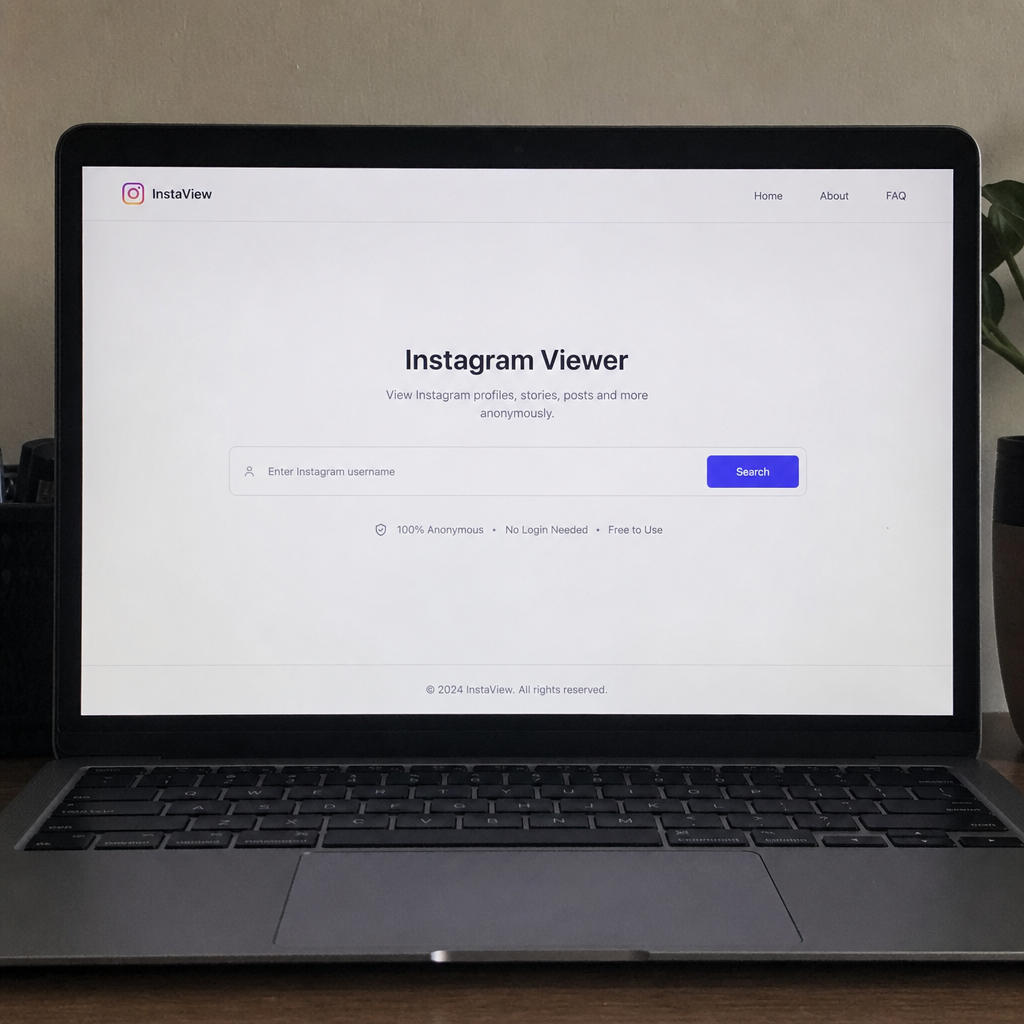
How to View Instagram Stories Anonymously
We have all been there. You are scrolling through social media, and you see a profile you are intensely curious about. Maybe it is a business competitor, an old friend you lost touch with, or a brand you are doing market research on. You want to view Instagram stories to see what they are up to, but there is a catch: you do not want your name to appear on their "Seen" list.
Instagram is built on connectivity and transparency, meaning that whenever you tap on a user's story, your profile is logged. However, the desire for an anonymous Instagram experience has grown exponentially. Whether you are conducting professional research or just want to satisfy a passing curiosity without sparking a conversation, learning how to stay hidden on Instagram stories is a modern digital survival skill.
In this comprehensive guide, we will explore the safest, most effective methods to watch Instagram stories anonymously. From clever built-in phone hacks to external web tools, here is everything you need to know about flying under the social media radar.
Why Would You Want to Stay Anonymous?
Before diving into the "how," it is worth discussing the "why." Using an anonymous story viewer isn't just for casual snooping. There are several legitimate, professional, and personal reasons to browse incognito:
- Competitor Analysis: Brands and marketers frequently monitor rival companies. You want to see their promotional stories without letting them know you are watching.
- Market Research: Influencer managers or recruiters might want to vet a creator's daily content style before reaching out for a partnership.
- Avoiding Awkwardness: Sometimes, you just want to check in on an acquaintance without the social obligation of sending a message or appearing overly interested.
- Protecting Your Privacy: You may simply value your online anonymity and prefer to consume content without leaving digital footprints.
Whatever your reason, there are several safe ways to browse Instagram privately. Let's break down the best methods.
Method 1: Using Airplane Mode to View Stories
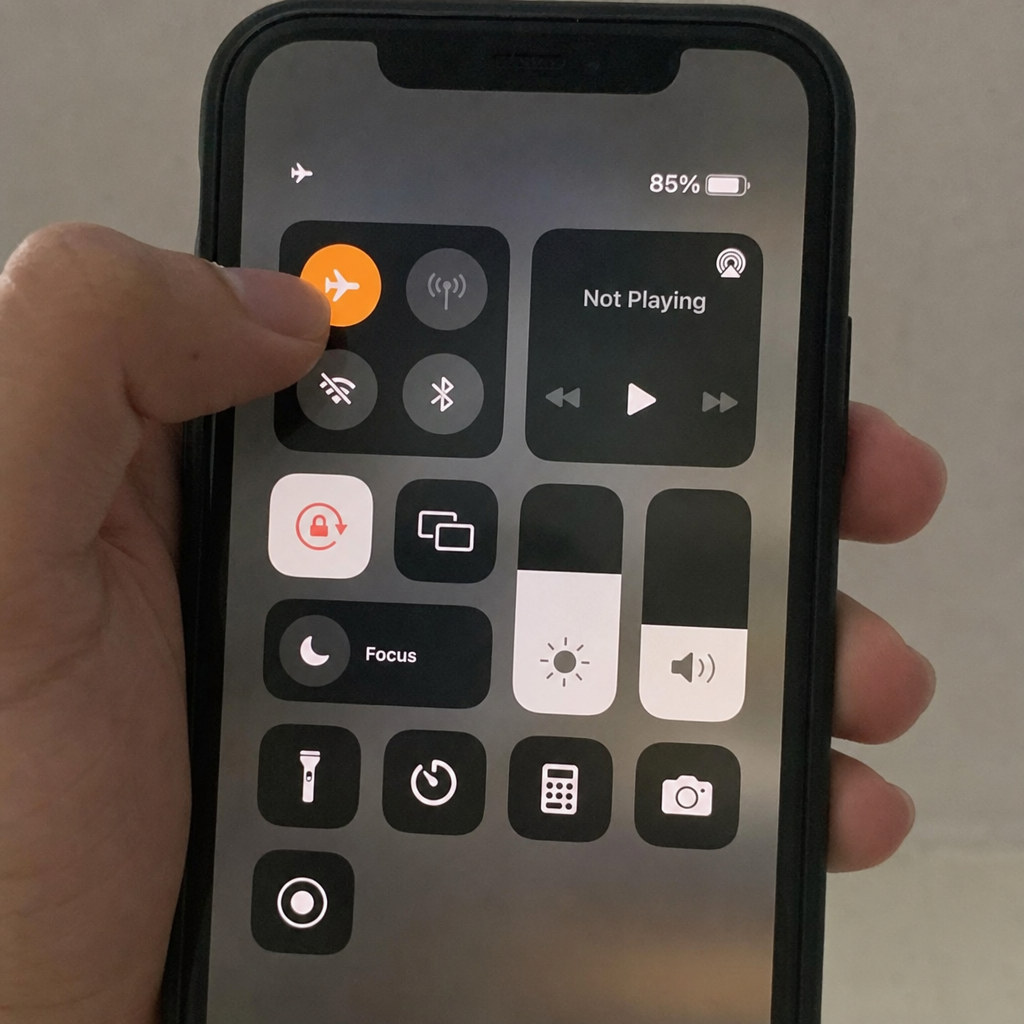
One of the oldest and most popular workarounds does not require any third-party software at all. It relies entirely on how the Instagram app pre-loads content on your phone. By using airplane mode to view stories, you can temporarily disconnect from the internet, view the pre-loaded story, and exit before the app can register your view.
Step-by-Step Guide:
- Open the Instagram App: Open the app and navigate to the profile of the person whose story you want to see. Alternatively, just stay on your home feed if their story is at the top.
- Wait for the Pre-load: Do not tap the story yet. Leave the app open for a minute or two to allow your phone to cache the story data over your Wi-Fi or cellular connection.
- Activate Airplane Mode: Swipe down (or up, depending on your device) to access your phone's control center and turn on Airplane Mode. Ensure that both Wi-Fi and Cellular Data are completely turned off.
- View the Story: Tap on the user's profile picture to watch Instagram stories anonymously. Because you are offline, Instagram cannot send your view data to its servers.
- Close the App Completely: This is the most crucial step. Once you have seen the story, close the Instagram app. Do not just minimize it; force quit the app entirely.
- Turn Off Airplane Mode: You can now reconnect to the internet.
Note: While this method is quick, it is not entirely foolproof. If you do not force-quit the app correctly, Instagram might sync your viewing data once you reconnect.
Method 2: Create a Secondary "Burner" Account
If you want a reliable, ongoing Instagram viewer that doesn't require toggling airplane mode every five minutes, creating a secondary account—often called a "Finsta" (Fake Instagram)—is the most straightforward native solution.
Setting up a secondary account allows you to browse freely. As long as this profile is not linked to your primary phone number, email, or Facebook account, the account owner will not know it is you.
Best Practices for a Secondary Account:
- Use a separate email address dedicated solely to this account.
- Do not sync your contacts when prompted during setup.
- Keep it realistic by adding a basic profile picture and following a few large public accounts (like news outlets or celebrities) so the account doesn't look like an obvious spam bot.
This method gives you total control over your Instagram story viewing privacy settings without violating any platform terms of service.
Method 3: Third-Party Web Tools and Sites
If you are wondering how to view Instagram stories without an account completely, web-based tools are your best bet. The internet is flooded with websites designed specifically to pull public data from Instagram without requiring you to log in.
These online tools to see IG stories without login are incredibly convenient, especially if you are browsing from a desktop computer. All you need is the exact username of the target profile.
How They Work:
You simply navigate to one of the best IG story viewer sites, type the Instagram handle into their search bar, and hit enter. The site uses an API to fetch the user's currently active stories and displays them on the webpage. Because the website's server is fetching the data, your IP address and personal profile remain completely invisible.
Added Bonus: Downloading Stories
Many of these websites double as third-party Instagram story downloader tools. If a competitor posts a brilliant marketing graphic on their story that will disappear in 24 hours, these sites allow you to download the image or video directly to your hard drive in high resolution.
A Word of Caution: Always be mindful of the sites you use. You should never have to provide your own Instagram password to use a web-based anonymous Instagram viewer. If a site asks for your login credentials to view a public profile, it is likely a phishing scam.
Method 4: Dedicated Mobile Apps
For users who prefer doing everything on their smartphones, there are numerous applications available on both the Apple App Store and Google Play Store. When searching for Instagram story viewer apps for iPhone or Android, you will find a mix of free and premium options.
These apps essentially repackage the web-tool experience into a mobile-friendly interface. Some even claim to let you enable ghost mode for Instagram stories, allowing you to link your account but hiding your activity from others.
However, before downloading any application, it is highly recommended that you search for an independent anonymous Instagram profile viewer review. Look at the App Store ratings and read user feedback. Some apps are bloated with aggressive advertisements, while others might breach Instagram's API policies and stop working after a few weeks. Sticking to highly-rated, transparent apps ensures you can watch IG stories anonymously without compromising your phone's security.
The Truth About Private Profiles
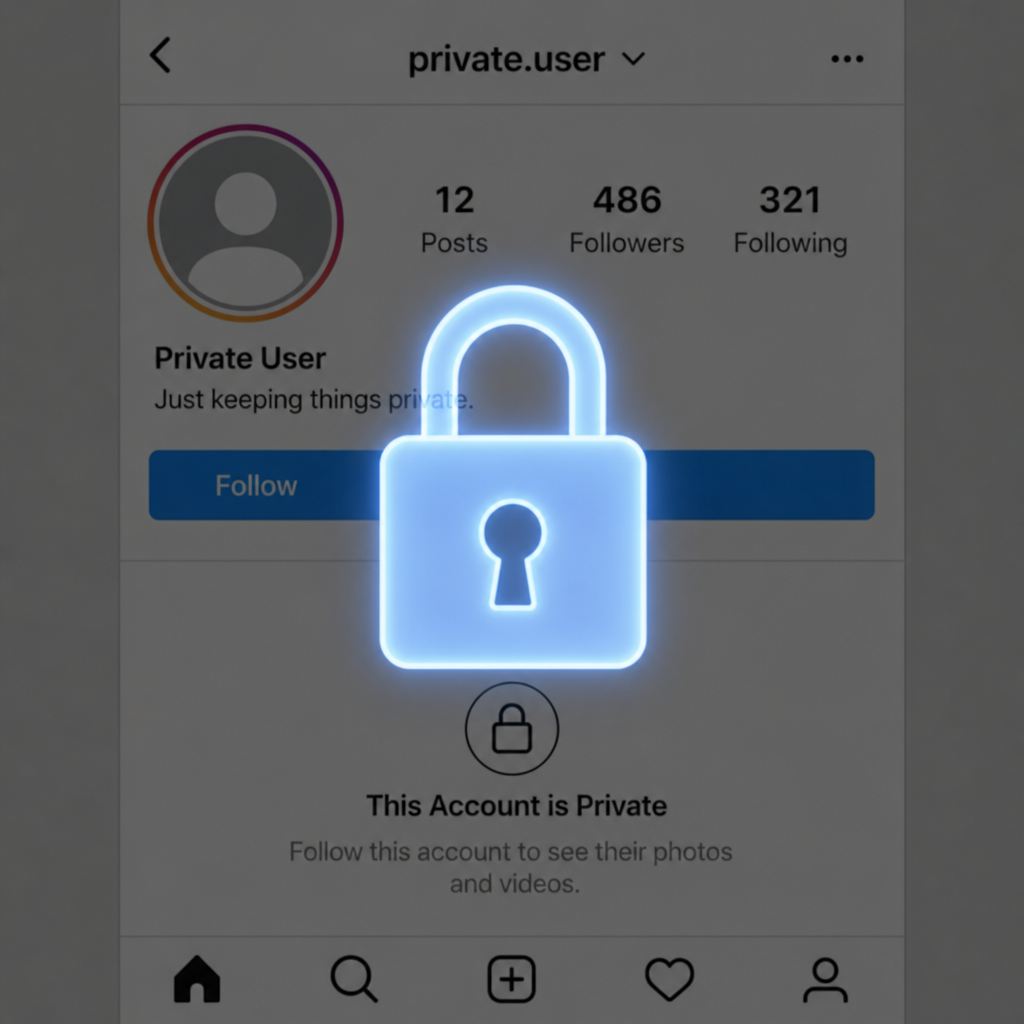
A frequent question that arises in the pursuit of anonymity is: do private Instagram profile viewers work?
The short and definitive answer is no.
Instagram has incredibly strict security protocols regarding private accounts. The web tools, mobile apps, and downloader extensions mentioned above only work for public accounts. If a user has set their profile to private, the only way to see their stories is if they approve your follow request.
Be highly suspicious of any website or app that claims it can bypass Instagram's privacy settings to show you private stories. These "services" are almost always scams designed to steal your data, infect your device with malware, or trick you into completing endless surveys. The only way to hide your view from story creators on a private account is to use an approved secondary account (as detailed in Method 2).
Deep Dive: The Instagram Algorithm and FAQs
When you start digging into the nuances of staying anonymous, a lot of technical questions come up regarding how Instagram actually tracks and displays data. Let's answer some of the most pressing questions users have about the platform's backend behavior.
Can someone see if I viewed their story twice?
If you view a story normally (without using an anonymous method), your name goes onto their "Seen By" list. But what happens if you watch it again? Does it notify them? Fortunately, no. Instagram does not send a notification if you view a story multiple times, nor does it display a view count next to your name. The creator will only see that you have viewed it, not how many times you tapped back to rewatch it.
How does the Instagram story seen list algorithm work?
If you have ever posted a story, you might notice that the list of people who viewed it isn't strictly chronological. The Instagram story seen list algorithm is actually quite sophisticated. For stories with fewer than 50 views, the list is generally chronological—showing who viewed it from newest to oldest. However, once a story crosses the 50-view threshold, the algorithm shifts. It begins ranking viewers based on interaction and relationship. The people at the top of the list are those you interact with the most on the platform (likes, DMs, profile visits). So, if you are secretly watching someone's story natively and you interact with their page a lot, your name is highly likely to be pushed right to the top of their view list.
Is there a built-in way to enable ghost mode?
Currently, Instagram does not offer a native "Ghost Mode" that allows you to view stories invisibly while logged into your main account. The platform thrives on engagement metrics, so hiding user activity goes against its core business model. If you want to maintain your privacy, you must rely on the external methods and secure practices outlined in this guide.
Summary: Best Practices for Viewing Safely
To recap, if you want to know how to stay hidden on Instagram stories, you have three viable and safe paths for public profiles:
- The Airplane Mode Trick: Great for a quick, one-off view, though it requires precise execution to avoid accidental syncing.
- A Secondary Account: The most reliable method for long-term, native app browsing without exposing your primary identity.
- Third-Party Web Tools: The absolute best way to ensure zero traceability, offering the added benefit of downloading content directly.
When navigating these options, always prioritize digital security. Never hand over your personal passwords, avoid sketchy third-party apps with poor reviews, and accept that private profiles are (and should remain) strictly off-limits to unauthorized viewers.
By understanding the platform's limitations and utilizing these clever workarounds, you can successfully watch Instagram stories anonymously, conduct your brand research quietly, and browse the digital landscape with total peace of mind.
Related guides
More tutorials for downloading football content and social videos.
Guides
YouTube to MP4: 5 Best Tools to Convert Videos for Free
Compare the 5 best free YouTube to MP4 converters in 2026. Download HD 1080p videos safely with no signup using these trusted tools.
Guides
Redgifs Downloader: How to Save Videos Effortlessly (2026)
Learn how to use a Redgifs downloader to save HD MP4 videos with sound. Install guide, step-by-step download, troubleshooting and FAQs.
Guides
7 Easy Steps to Download Reddit Videos Like a Pro
A complete guide to downloading Reddit videos with sound — best tools, step-by-step instructions, and pro tips for saving clips in MP4.
Guides
How to Download TikTok Videos Without Watermark in 2026 (iPhone, Android, PC)
Download TikTok videos without watermark in 2026 — free, HD MP4, no app needed. Works on iPhone, Android and PC. Step by step guide using snaptok.org.
Guides
How to View and Download Instagram Stories Anonymously in 2026 — No Login Required
View and download Instagram Stories anonymously in 2026 — no login, no app. Works on iPhone and Android. The account owner won't know you viewed their story.
Guides
How to Download Football Highlights from TikTok and Instagram (HD Guide)
The cleanest way to archive Messi, Ronaldo and Champions League clips from TikTok and Instagram in HD MP4 — no watermark, no login, no compression.